A hard-selling campaign with the visual rhythm of a swipe, backed by an automation ecosystem that turns changing offers into multiple broadcast-ready versions.
Context
COSMOMARKET
“Κάθε φορά κάτι που αξίζει” · COSMOMARKET campaign key visual.
Brief
COSMOMARKET needed a hard-selling campaign that made products and prices the focus, with a recognisable visual language for recurring offers.
The final product selection can arrive at the last minute. New products, prices and priorities affect imagery, voiceover and editing across every version. We needed both a creative direction and a production system that could keep up.
Creative solution.
We developed the campaign along two connected lines: art direction that gives every offer a clear identity, and an automation ecosystem that keeps that identity consistent as the content changes.
Art direction — the rhythm of a swipe
We took the familiar gesture of swiping through content and brought its rhythm into a TV campaign. Bold typography, direct transitions and effects drawn from everyday screen habits give the work a contemporary feel. The product and its price remain the main event.
The main ad opens with “Κάθε φορά κάτι που αξίζει” — “Every time, something worth it.” “Every time” establishes the recurring offer; “worth it” carries both the value of the deal and the idea of products worth the viewer's attention.
The campaign's packshot closes with “Εσύ ακόμα να μπεις;” — “Haven't you visited yet?” The closing line invites the viewer to visit COSMOMARKET; the system can also prepare versions without an outro.
Automation ecosystem — from offer to broadcast
We connected product understanding, voiceover preparation, cutout imagery and on-screen copy to the campaign's visual system. Models we trained within Comfy prepare the material and organise it for After Effects, where the product information automatically replaces the template placeholders.
Our key editing decision was to follow the voice: each offer lasts as long as its delivery needs, with image and motion adapting around it. A custom UI then handles everything from a single deliverable to multiple combinations, including broadcast export, without opening a separate editing application.
Process
Fully automated production. Multiple versions.
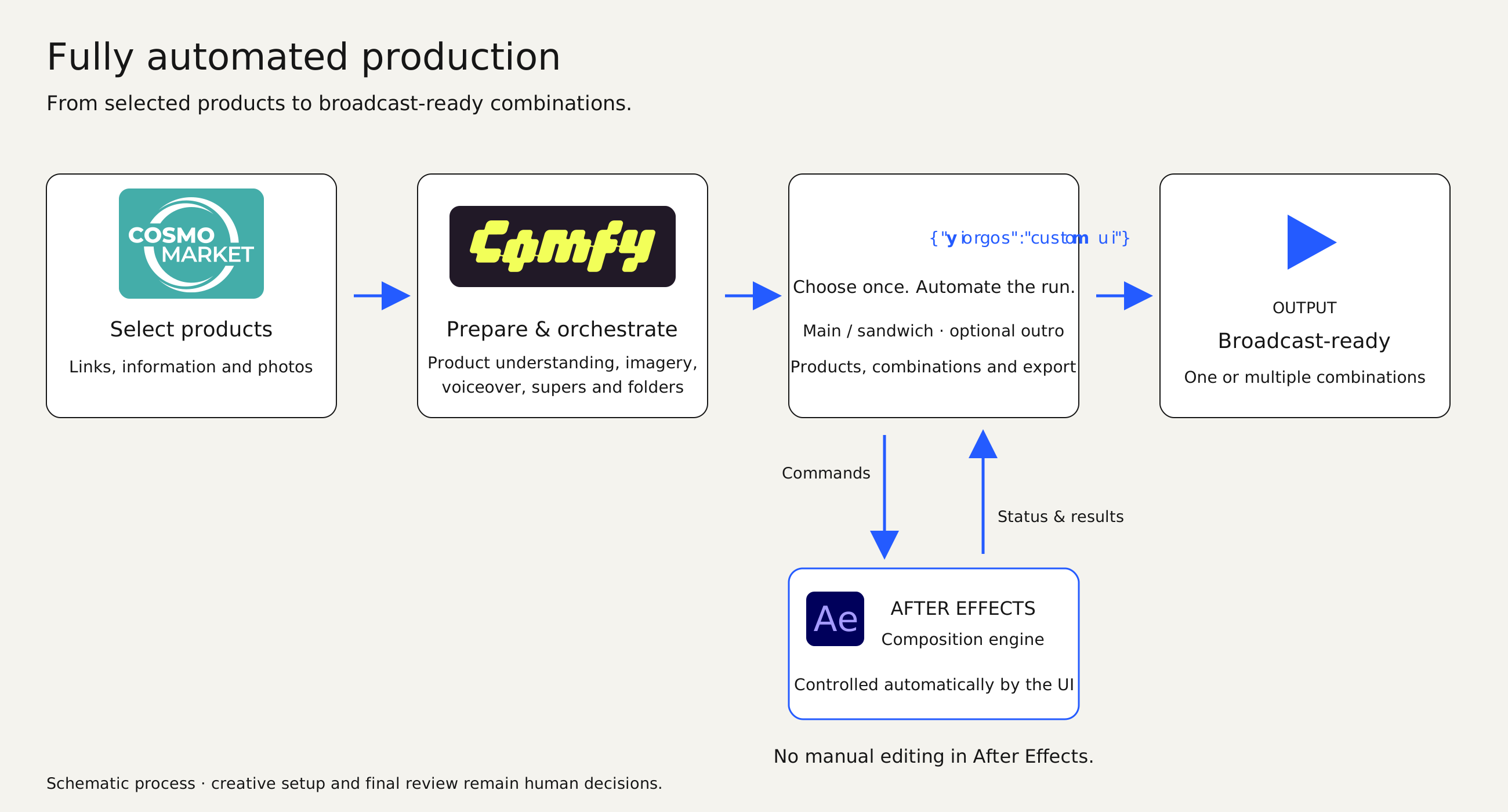
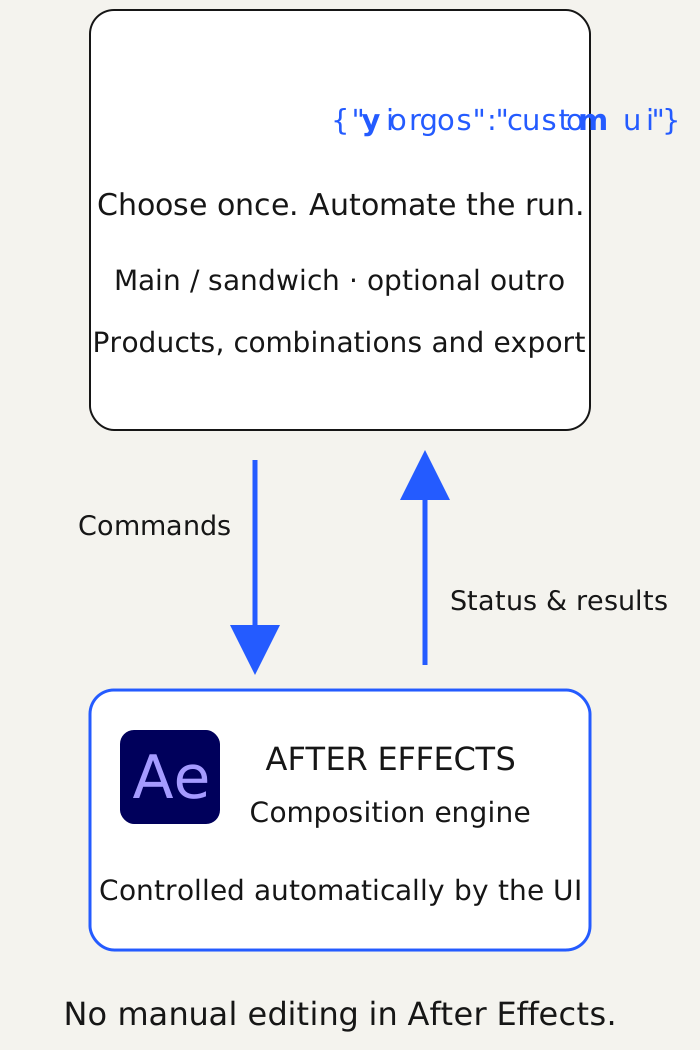
Once the creative system is set up, production runs automatically from the selected products to the requested deliverables. Comfy prepares and organises the material; the custom UI sends commands to After Effects and receives status and results. We choose the combinations through the UI, without manually editing inside After Effects.
Fully automated production after creative setup. The custom UI controls After Effects; creative direction and final review remain human decisions.
↓↓↓
Schematic process. The custom UI is part of After Effects.
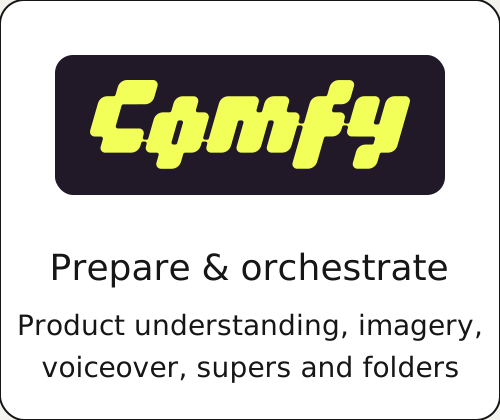
Comfy — understand, prepare, orchestrate.
Within Comfy, we trained different models to recognise the product and how it is used. They prepare the product description for voiceover and the cutout product photograph, keeping the offer's image and message connected.
The same stage orchestrates the product order and project folder structure, and prepares the supers — the product names, prices and other on-screen copy. These elements automatically replace the matching placeholders inside After Effects.
The edit follows the voice.
Each product has its own voice clip. We keep the natural duration of the delivery, and let image and motion follow the same rhythm. Changing the selection or order reuses those clips rather than treating every version as a new continuous recording.
VOICE-LED TIMING
Change the product. The edit adjusts.
The middle offer changes. Its voiceover and picture duration change together.
01
28.00 €Cat litter box
Voiceover2.96s
Image, text & price
↔ Motion
02 ↻
20.00 €Nebulizer
Voiceover2.24s
Image, text & price
↔ Motion
03
194.00 €Drinks fridge
Voiceover3.28s
Image, text & price
↔ Motion
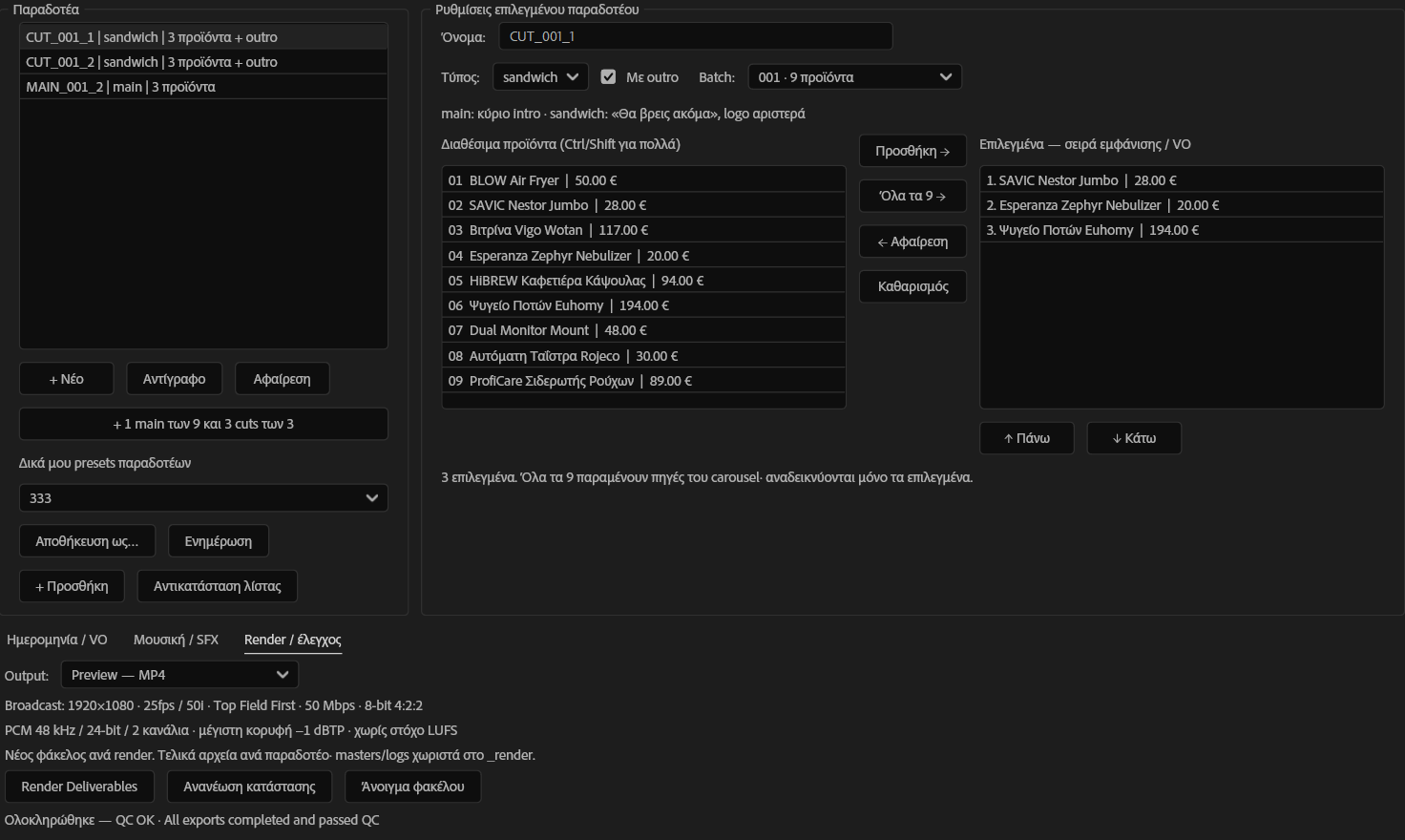
Custom UI — one offer, many deliverables.
The custom UI runs the automation for a single deliverable or multiple combinations, through to broadcast-ready exports, without a separate editing application. We choose the products and their order, distinguish a main ad from a sandwich version, and decide whether each version includes an outro.
Saved presets, date and voice options, music, effects and export controls sit within the same environment. Music adapts to each version's duration, effects follow the movement, and music levels sit beneath the voice.
Actual custom UI: products, order, main/sandwich structure, optional outro and export controls. This captured run is set to Preview — MP4; broadcast export is a separate available output.
Ready for the next change.
Flexibility: change products, order and structure. Consistency: keep imagery, prices, voice and sound connected. Reuse: carry the same process and saved choices into the next set of offers.
The process reduces repeated manual setup for each combination. Creative direction, product-image fidelity and final evaluation remain human decisions.
Output
Three completed production previews demonstrate different combinations from the same nine-product set. Two use a short introduction and a closing; the third uses the main introduction without a closing.
Offers change. Production can keep up.
CUT_001_1 · 14.36s. Cat litter box, nebulizer and drinks fridge. Short intro + closing.CUT_001_2 · 14.36s. Air fryer, coffee machine and dual monitor mount. Short intro + closing.MAIN_001_2 · 12.52s. Display cabinet, pet feeder and garment steamer. Main intro, no closing. Sample material · October 2026.